
What Are the 5 Phases of the System Development Life Cycle?
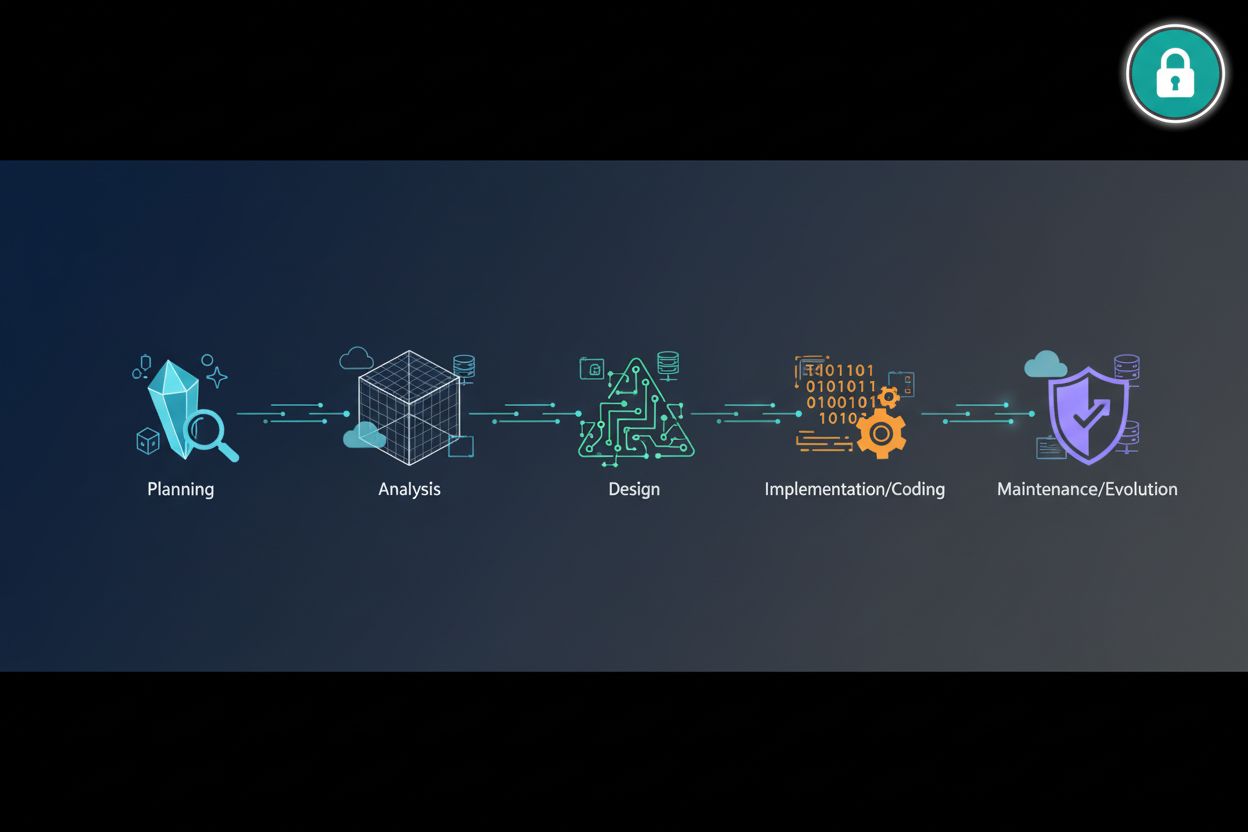
TL;DR
- This article breakdown the 5 essential phases of the system development life cycle specifically for building secure login systems. We covering everything from initial planning to maintenance while focusing on cybersecurity best practices like mfa and ai-powered defense. You will learn how to integrate modern authentication tools and ux design into every stage of your development process to keep users safe.
Phase 1: Planning and Requirement Analysis for Secure Logins
Ever spent three weeks coding a "simple" login only to realize you forgot how users reset their passwords if they lose their mfa device? It’s a nightmare I've lived through more than once.
Planning isn't just about drawing boxes on a whiteboard; it’s about deciding what your app actually needs to survive in the wild. You gotta ask if you're building a simple retail portal or a high-security healthcare app where gdpr is breathing down your neck.
Before you even touch a line of Node.js or Python, you need to map out who is getting in and how. Are we talking about basic email/passwords or are we going full passwordless with WebAuthn?
- User Roles: Not every user is equal; an admin in a finance app needs way more guardrails than a guest viewer.
- mfa Strategy: Decide early if you’re using SMS (please don't, it's insecure) or authenticator apps/hardware keys.
- Integration Points: Will you use cloud services like AWS Cognito or Auth0, or are you rolling a custom solution with Passport.js?

You also need to think about who wants to break your stuff. According to a 2024 report by Verizon, stolen credentials are still a top way for data breaches to happen.
If you're building for a b2b enterprise, they might demand SOC2 compliance right out the gate. Mapping these threats—like credential stuffing or api abuse—during the planning phase saves you from massive refactors later when you're trying to push to production.
So, once you got your requirements and risk levels sorted out, we can move into the actual design of the system architecture.
Phase 2: Designing the Login Architecture and UX
Ever tried to log into a site and felt like you were taking a math test? If the ux is bad, your users will just leave, but if the security is weak, your whole database ends up on a forum for sale.
The goal is reducing friction without making things "easy" for hackers. I usually tell teams to look at tools like Login4Website which helps generate clean, optimized login forms for free so you don't have to reinvent the wheel on the frontend.
- Smart Error Messages: Don't say "password wrong." Say "Invalid credentials" so you don't tip off an attacker about which part they got right.
- Social Auth: For retail or blogs, let them use Google or Github. It saves them a password and saves you the headache of storing it.
- Progressive Profiling: Don't ask for their life story at login. Just get them in, then ask for more info later when they actually need to use a specific feature.
Now for the fun stuff—the back end. You need to decide where those credentials actually live. If you're using node.js, you're probably looking at a NoSQL setup like MongoDB or a relational db like PostgreSQL.
Make sure your api endpoints are locked down. For example, your /auth/login route should have rate limiting from the jump to stop brute force attacks.

When designing your api, always use HttpOnly cookies for tokens. It prevents xss attacks from stealing the session. A 2023 study by IBM found that the average cost of a breach is still climbing, so spending time on this architecture now is basically an insurance policy.
Next, we'll actually start writing the code to make this architecture real.
Phase 3: Implementation and Coding the Security Layer
Alright, let’s get our hands dirty. This is where the whiteboard drawings from phase 2 actually turn into something that runs on a server.
Building the security layer isn't just about making things work; it's about making them fail safely. If your database gets dumped, you don't want the hackers seeing "Password123" in plain text.
I’ve started using ai to help spot weirdness in login patterns. It’s not just for writing code anymore. You can implement basic anomaly detection to see if a user from Ohio is suddenly trying to log in from a data center in Singapore.
When it comes to the basics, please use Argon2 or bcrypt for hashing. Don't even think about MD5. Here is a quick way I usually handle this in a Node.js project:
const bcrypt = require('bcrypt');
const saltRounds = 12; // slow enough to annoy hackers, fast enough for users

async function hashPassword(password) {
    // adding a salt automatically makes rainbow tables useless
    return await bcrypt.hash(password, saltRounds);
}
Integrating mfa is where most devs start sweating, but it's simpler if you stick to standards. Most enterprise apps I build now rely on OpenID Connect (OIDC) or OAuth 2.0.
- OAuth/OIDC: Use these for "Login with Google" or "Sign in with Microsoft." It offloads the biggest security risks to providers who have billion-dollar security budgets.
- TOTP: For mfa, skip the sms codes. They're vulnerable to sim swapping. Use apps like Google Authenticator.
- Rate Limiting: Protect your api. If someone tries to login 50 times in a minute, shut them down.

Ethically, you gotta be honest about what data you're collecting. If you're using ai to track "behavioral biometrics" (like how fast someone types), you need to disclose that in your privacy policy. People get weirded out by that stuff if they find out later.
According to a 2024 report by Microsoft, mfa can block over 99.2% of account compromise attacks. It's the single best thing you can code right now.
Now that we got the code running, we need to try and break it ourselves before the bad guys do. Let's look at testing.
Phase 4: Testing and Security Verification
So you've written the logic but does it actually hold up when a script tries to fire 10,000 requests at your /login api? Testing isn't just a "nice to have" step before you ship; it's where you find out if your rate limiting actually works or if a simple ' OR 1=1 -- can bypass your entire postgres backend.
I always start by throwing a brute force simulator at the endpoint. If I don't see my node.js app returning a 429 Too Many Requests after a few attempts, I know I've got a problem with my middleware.
import requests

url = "https://your-api.com/v1/auth/login"
for i in range(10):
    res = requests.post(url, json={"email": "[email protected]", "pass": "wrong"})
    print(f"Attempt {i}: Status {res.status_code}")
You also gotta check for SQL Injection. Even with modern ORMs, a poorly written raw query in a healthcare or finance app can leak sensitive patient data.
Security is useless if your users hate it. I've seen retail apps lose 20% of conversions because their password strength tool was too annoying.
A 2024 report by Thales found that nearly half of organizations see an increase in attacks on cloud-based applications, making rigorous verification of your auth flow a non-negotiable step.

Ethically, you shouldn't just test for "bugs" but also for accessibility. If a visually impaired user can't navigate your mfa screen, your login is broken.
Now that we've tried to break it, let's talk about how to actually get this thing live without it crashing on day one.
Phase 5: Deployment and Ongoing Maintenance
Shipping your code is just the start—honestly, it's where the real work begins. I've seen devs push a perfect login flow only to have it crumble because they didn't monitor for credential stuffing on launch day.
You need eyes on your production environment 24/7. It isn't just about "is the server up?" but "why did 500 users from the same ip fail to log in?"
- Error Tracking: Use tools like Sentry or Datadog to catch unhandled exceptions in your node.js middleware before users complain.
- Audit Logs: Keep a record of every sensitive action, like mfa resets or email changes, so you can trace what happened during a breach.
- Alerting: Set up slack or pagerduty notifications for anomalies like sudden spikes in 401 unauthorized errors.
// Example: Basic middleware for logging failed attempts
app.post('/api/login', async (req, res) => {
  try {
    const user = await authenticate(req.body);
    // success logic
  } catch (err) {
    console.error(`[AUTH_FAILURE] IP: ${req.ip} User: ${req.body.email}`);
    // trigger alert if threshold is met
    res.status(401).send('Try again later');
  }
});
No system is ever "done." You gotta keep patching. Whether it's a new vulnerability in a ruby on rails gem or a fresh exploit in a container image, staying static is a death sentence.
- Dependency Updates: Run
npm auditorbundle auditweekly to catch security holes in your libraries. - UX Analytics: If users are dropping off at the mfa screen, your flow might be too clunky for retail customers.

Ethically, you gotta be transparent when things go south. If you find a bug that exposed data, tell your users. It’s better to lose a little face than to lose all their trust.
As mentioned earlier in the reports by verizon and ibm, threats are always evolving. Stick to the sdlc phases, keep your dependencies fresh, and never stop testing. Stay safe out there!



